
Composable DXP or Monolith?
When modular architecture really pays off

One platform or many building blocks?
If you want to further develop your website, customer portal, or online shop, you will usually face a fundamental decision:
The complete solution (Monolith): An all-in-one platform from a single vendor that combines CMS, e-commerce functionality, marketing tools, and forms within one system.
The building-block approach (Composable DXP): A flexible set of modular components that are connected via flexible APIs to create a customized overall solution — a Digital Experience Platform (DXP).
The objective answer is: Either approach can be the right fit. What matters is not the buzzwords, but how many systems need to be integrated, how agile your frontend needs to be, and who is responsible for the architecture and operations. If you only compare the initial license costs, you can quickly overlook the real drivers of effort and long-term costs.
Gaining clarity
What Monolith, Headless, and Composable mean in practice
The Monolithic Suite (everything from a single source)
With a monolith, content management, often marketing functions, and in some cases commerce or personalization are all part of the same product family.
How it works: A single software vendor provides the entire system. Creating content, designing pages, sending emails, and selling products all take place within a shared user interface.
Advantages: One point of contact, unified rights and access management, and minimal technical coordination effort for interfaces.
Ideal for: Organizations that primarily manage a traditional website, need to integrate only a few external systems, and have a central team responsible for the platform and editorial operations.

Headless CMS (separating content and design)
Headless separates content management from presentation. A central design system ensures consistent interfaces across all digital channels.
How it works: The CMS primarily serves as an input interface and database for text and images (backend). A separate application controls how the content ultimately looks (frontend). The data is delivered via standardized interfaces (APIs).
Advantages: Maximum flexibility in design and performance, as well as maximum reusability. Content maintained centrally in the CMS can be delivered simultaneously to the website, mobile app, and digital touchpoints (e.g., in-store).
Ideal for: Organizations where fast load times, unrestricted accessibility, strong brand consistency, and consistent content delivery across multiple channels are key priorities.

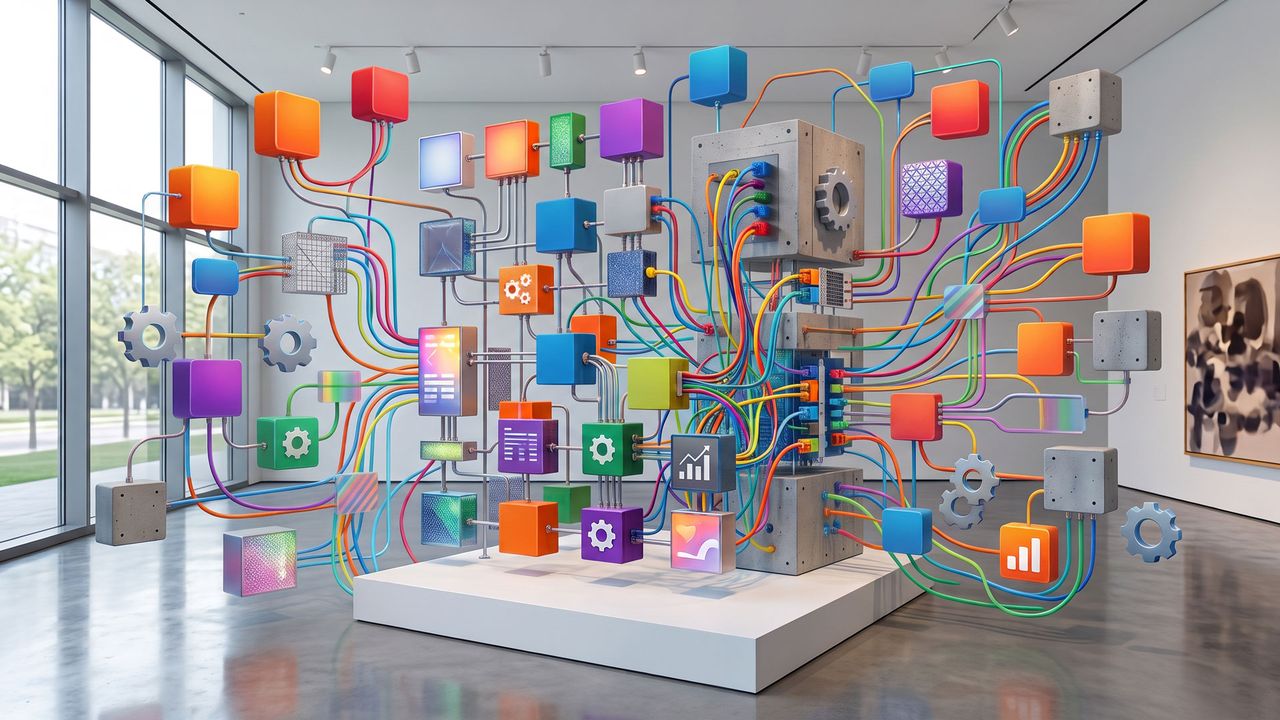
Composable DXP (Your IT as a building-block system)
Composable takes this concept one step further: In addition to the CMS, other components are added — such as search, forms, CRM integration, or commerce — each operating as its own component with clearly defined responsibilities.
Flexibility increases, but so does the need for governance, monitoring, and coordinated releases. Composable is not an end in itself; it pays off when different systems and teams need to deliver in parallel and shows its strengths in complex system landscapes.
How it works: The overall system is broken down into individual building blocks. You use a headless CMS for content, a specialized e-commerce engine for the shop, an intelligent search solution, and a CRM for customer data.
Advantages: You are not tied to a single vendor and can replace individual components whenever better tools become available on the market.
Ideal for: Organizations where different departments and development teams need to work independently, operate with a high degree of agility, and release new features at a high frequency.
Total cost, not hype
How we assess whether modularity really pays off
In consulting engagements, we always look at TCO (Total Cost of Ownership) — meaning the actual total costs over several years rather than simply the initial annual license fee.
Licenses & Hosting
Software licenses (for CMS, search, newsletter tools) as well as the hosting and server infrastructure required to run them.
Implementation & Setup
Effort required for conception, UX design, interface development, and content migration.
Ongoing Operations & SLAs
Costs for regular maintenance, software releases, content management, and guaranteed support levels (SLAs).
Interfaces & Maintenance
Effort depending on the number, risk, and frequency of changes to integrated interfaces.
Enablement & Compliance
Training for editorial teams, governance processes, and reliable compliance with data protection and accessibility requirements.
Missed Opportunities
Lost revenue and additional costs resulting from delayed features or expensive remediation caused by an unsuitable architecture.
Poor decisions are rarely caused by choosing the “wrong technology.” They are usually caused by an unclear understanding of the actual requirements.
Common purchasing mistakes — and how to avoid them
Poor decisions are rarely caused by choosing the “wrong technology.” They are usually caused by an unclear understanding of the actual requirements.
Monolith without an integration strategy: The CMS is in place, but self-service journeys remain incomplete. Solution: Customer journey maps, service blueprints, and an MVP covering the most important integrations.
Composable without a clear operating model: Numerous small services, but nobody is responsible for monitoring and releases. Solution: Define an operating model and clear team responsibilities from the very beginning.
Frontend without a design system: Every release disrupts the UI and UX. Solution: Establish a design system and align CMS components with it on a 1:1 basis.
Migration as an afterthought: Go-live takes place with ranking and usability issues. Solution: Create a content inventory and plan a hybrid migration approach. (See also our Insights article on hybrid content migration.)
Compliance at the end of the project: Accessibility or data protection becomes a risk rather than a quality characteristic. Solution: Adopt compliance by design — plan accessibility and data protection from day one and conduct early audits.
)
)
)
)
From concept to operations
This is how we structure platform decisions.
Strategy and Discovery
We clarify target audiences, objectives, and requirements, as well as the existing system landscape and assumptions about total costs and the roadmap — before putting a specific vendor at the center of the decision.

UX and Design System
A consistent UI is the foundation for every headless frontend and every modular building block. Without a design system, neither a monolith nor a composable architecture can scale effectively.
Architecture, Migration, and Ongoing Operations
We select the CMS based on defined criteria, design APIs, implement integrations step by step, migrate content, and then manage releases, accessibility, and visibility — ensuring that the platform does not stand still after go-live.
At Ergosign, we are convinced that the right architecture is the one that supports user needs and operational realities — whether modular or suite-based.
Our Checklist:
Key factors for choosing between a Composable DXP and a Monolith
Define the problem and value
What specific tasks should the website, app, portal, or self-service solution solve for users and the business?Calculate Total Cost of Ownership (TCO)
Plan ahead for licenses, implementation, integrations, operations, and enablement over several years.Document the Integration Landscape
Document all connected systems, integration risks, and the intended release frequency comprehensively.Secure Migration and Visibility
Consider content, URL structures, search engine discoverability, and visibility in AI-powered answer systems as part of the architecture from the very beginning.Define Operations and Governance
Clearly establish responsibilities for maintenance, monitoring, integrations, and releases after go-live.
Understanding and implementing GenAI Ops
Serious about AI in production? You need the right operational groundwork. This German whitepaper delivers a hands-on introduction and clear roadmaps for stakeholders and dev teams.

)
)
)
)